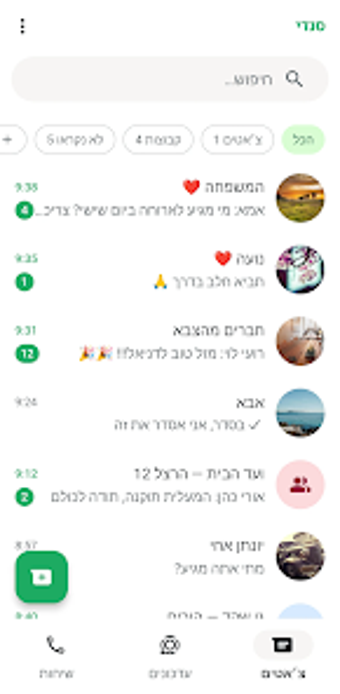
Android messaging utility for quick chats, local recovery, and templates
Starts chats with unsaved numbers, recovers retracted texts, and stores message templates on the device: סנדי (Sendy) bundles those capabilities into a compact Android utility. The developer משה לוין supplies the app for the social-communication category, and it targets active messengers and small business owners. Key conveniences include instant one-off messaging, notification monitoring for retrieval, and a local-only data model that keeps saved content on the user’s device.
How Sendy handles one-off communication and quick replies
Sendy lets you message numbers without saving them by offering a Quick Message entry where you type a phone number and start a chat immediately. The interface groups saved templates for frequent replies so you can paste or send common text snippets in two or three taps. The app requires Android 5.0 and up, so it runs on a broad set of devices while keeping the flow focused on short, repeat interactions.
What its local-first privacy design means for your data
All stored templates and recovered messages remain on-device, because the app explicitly avoids server-side storage. Settings include an option to disable anonymous usage-data collection, and the developer notes that message capture happens through local notification monitoring. That design limits third-party access to saved content, and it requires users to manage backups using their own device tools if they want copies outside the handset.
How notification monitoring supports recovery and its current limits
Notification monitoring enables deleted-text recovery, currently offered as a beta and restricted to text content. The app watches incoming notifications to capture messages before they are retracted; this explains why recovery is limited and why the feature behaves experimentally. Users should expect text-only results while the developer refines the capability, and the beta label signals that results can vary across messaging apps and Android notification implementations.
How the interface and notification controls affect daily use
The UI is lightweight and prioritizes quick access over deep organization, with simple controls for templates and a compact chat-launch workflow. Notification monitoring requires granting the app access to notifications, which centralizes recovery but also means users must review Android notification permissions. The app is Android-only, so people who depend on synchronized histories across multiple devices cannot rely on Sendy for cross-device continuity.
Who should consider this app and where it falls short
Sendy suits active messengers and small business users who want device-contained tools for transient contacts and quick replies, and who accept experimental features. Its local-only model appeals to people who prefer on-device data control. Users who need guaranteed cross-device history or production-grade message archives should look elsewhere, since the app’s experimental components and Android-only design limit its use for those workflows.